How we actually use AI in a build
Not copy generated in another tab. It works inside the editor, on real templates, while we build.
Every studio claims to use AI now, and almost none of them will tell you where. So here is ours, plainly. It is not copy generated in another tab and pasted in. It works inside the editor, on real templates, while we build — and the difference between those two things is most of what this article is about.
The version we don’t do
The common workflow is: open a chat window, describe the page, get 600 words back, paste them into WordPress, tidy the headings, ship it.
The output of that is text about your business written by something that has never seen your business. It reads fine and says nothing. It also has no idea what your templates look like, so it produces a heading three times too long for the space it lands in, and a paragraph that breaks the layout on a phone. Somebody then spends an afternoon fixing it, and calls the afternoon “efficiency”.
We are not precious about the tools. We are precious about where in the process they sit.
Inside the editor, on the real thing
Working in the build means the assistant can see the constraints: the actual field, the actual character count that fits, the actual breakpoint where a line wraps badly, the design system’s own colour and spacing names. A suggestion that violates one of those gets rejected immediately, because the page is right there showing you.
This is no longer an unusual way to work — WordPress itself moved in this direction in 2026. Version 7.0 shipped an AI Client in core and an Abilities API that lets plugins declare what they can actually do, so an assistant works with a site’s real capabilities rather than guessing at them. Generation tools ship as an optional plugin rather than being switched on for everyone. That is roughly the right instinct: make it available where the work happens, and make it opt-in.
The four jobs we actually give it
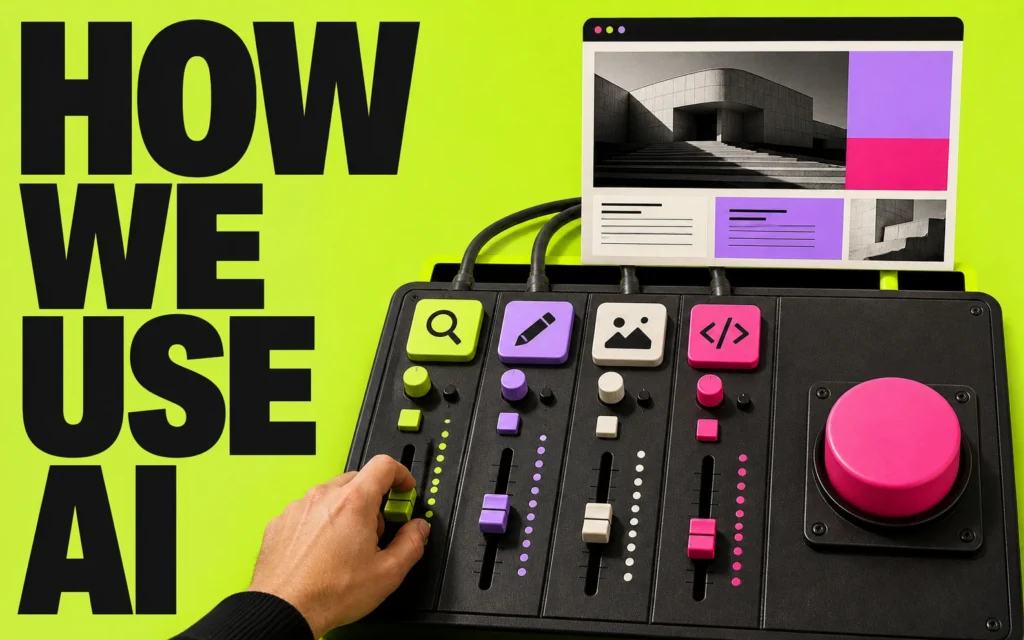
1. Variations, fast. Not one option — several, so a real choice exists. Three ways to phrase a heading, three layouts for the same section. The value is in having something to reject; the judgement stays human.
2. The tedious sweep. Checking that every image has alt text, that heading levels run in order, that no colour pair has quietly dropped below contrast, that a design token was not hardcoded somewhere. This is work a person does badly at 5pm and a machine does identically every time.
3. Migration donkey-work. Mapping old URLs to new ones, matching content to fields, spotting the twelve pages nobody remembered existed. Structured, high-volume, easy to verify.
4. Getting a first draft to a reviewable state. Not to a publishable state. There is a difference, and the whole method rests on it.
What it never touches
- Facts about your business. Years established, client numbers, results, awards. If we cannot source it from you, it does not go on the page — and a language model will produce a confident, plausible, completely invented version of any of them.
- The byline. If a piece goes out under your name, a person signs it off. That is not a technical position, it is an editorial one.
- Testimonials and case study copy. Someone else’s words are quoted, never generated.
- The design decision. Tools are very good at producing something competent and average. Average is the one thing a brand cannot afford.
“Almost right” is the expensive kind of wrong
The industry data on this is unusually candid. In Stack Overflow’s most recent developer survey, around 80% of developers now use AI tools — while trust in the accuracy of what those tools produce fell to 29%, down from 40% the year before. Favourability dropped from 72% to 60%.
The reason is the finding that matters most: 66% of developers say they spend more time fixing “almost-right” AI-generated output than they would have spent writing it. Not wrong output — wrong output is easy, you throw it away. Almost-right output passes a glance, gets committed, and fails three weeks later in a way nobody can trace.
Adoption up, trust down. That is not a contradiction; it is a profession learning where the tool belongs. Which is why our rule is the unglamorous one: everything is reviewed by the person who would have had to do it by hand. If nobody on the team could have written it themselves, we are not qualified to approve it.
The same rule applies to what we build for you
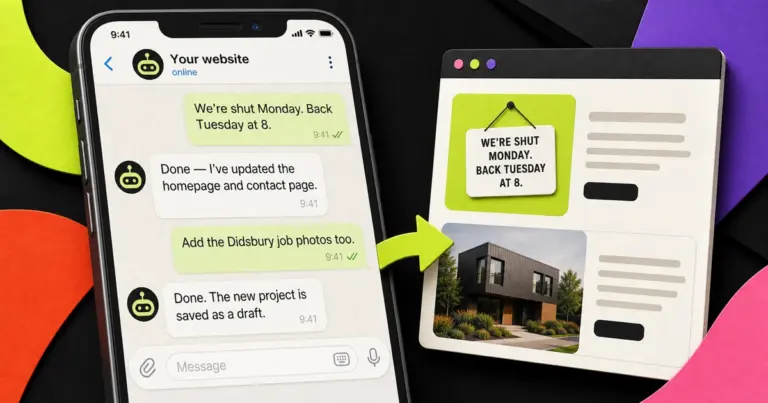
When we build AI into a client’s business rather than into our own process, the principle does not change: useful automation stays mostly invisible. If the only evidence of it is a badge on your homepage, it is doing nothing for the person reading that page. Your customers should notice faster answers, not branding.
And it is handed over the same way everything else is — no black box, and nobody indispensable:
- The accounts and billing are in your name from day one.
- The logic is written in plain language, not only inside the tool.
- We document what breaks, who hears about it and what to do.
- The people who run it are trained on it, not handed a login.
Part of that job is telling you where automating would add risk rather than value. There is usually at least one place, and it is usually the place a client most wants automated.
How to tell whether “AI-powered” means anything
Three questions, useful on any studio including this one.
- “Which step of the work, specifically?” A straight answer names a task. A vague one names a technology.
- “Who checks it, and against what?” If there is no review step, you are being sold the speed and quietly handed the risk.
- “What did it get wrong recently?” Anyone genuinely using these tools has an answer. It is the single most reliable question of the three.
FAQs
Is the copy on our site written by AI?
Not unless you ask for it. Drafts may be worked up quickly, but the words that ship are edited and signed off by a person, and every factual claim comes from you.
Do we need to know what to automate first?
No. Working that out is the first part of the job — including telling you where automating would add risk rather than value.
Will this replace people on our team?
The work we take on is repeated admin and waiting-for-a-handover. It is scoped to make people more effective, and we will not promise you headcount savings.
Who owns it afterwards?
You do — accounts, credentials, the logic and the documentation. We also write down what happens when it breaks.
Can we opt out of AI entirely on our project?
Yes, and some clients do. Say so at the start and it is a constraint like any other.
Next steps
- Automation in your business, not on your homepage: AI Systems & Workflow Automation.
- Planning a build: Custom Website Design & Build.
- Want a straight opinion on your current site? Request an audit.
- Ready to talk: Start a project — every brief is read personally, and we reply within one working day.